I started with a deliberately small question: how little computer do you need before it begins to feel like a real game console? An Arduino, a 128×64-pixel screen, and one joystick turned out to be enough—not just for a menu, but for a first-person maze, Snake, and my own Flappy Bird remix.
This was not an emulator and it was never meant to reproduce Nintendo hardware. Every game was written for this particular machine and its limits. That was the attraction: instead of hiding the computer behind a polished case and a large framework, I could understand every pixel, input, byte of state, and piece of wire.
Proving the idea on a desk
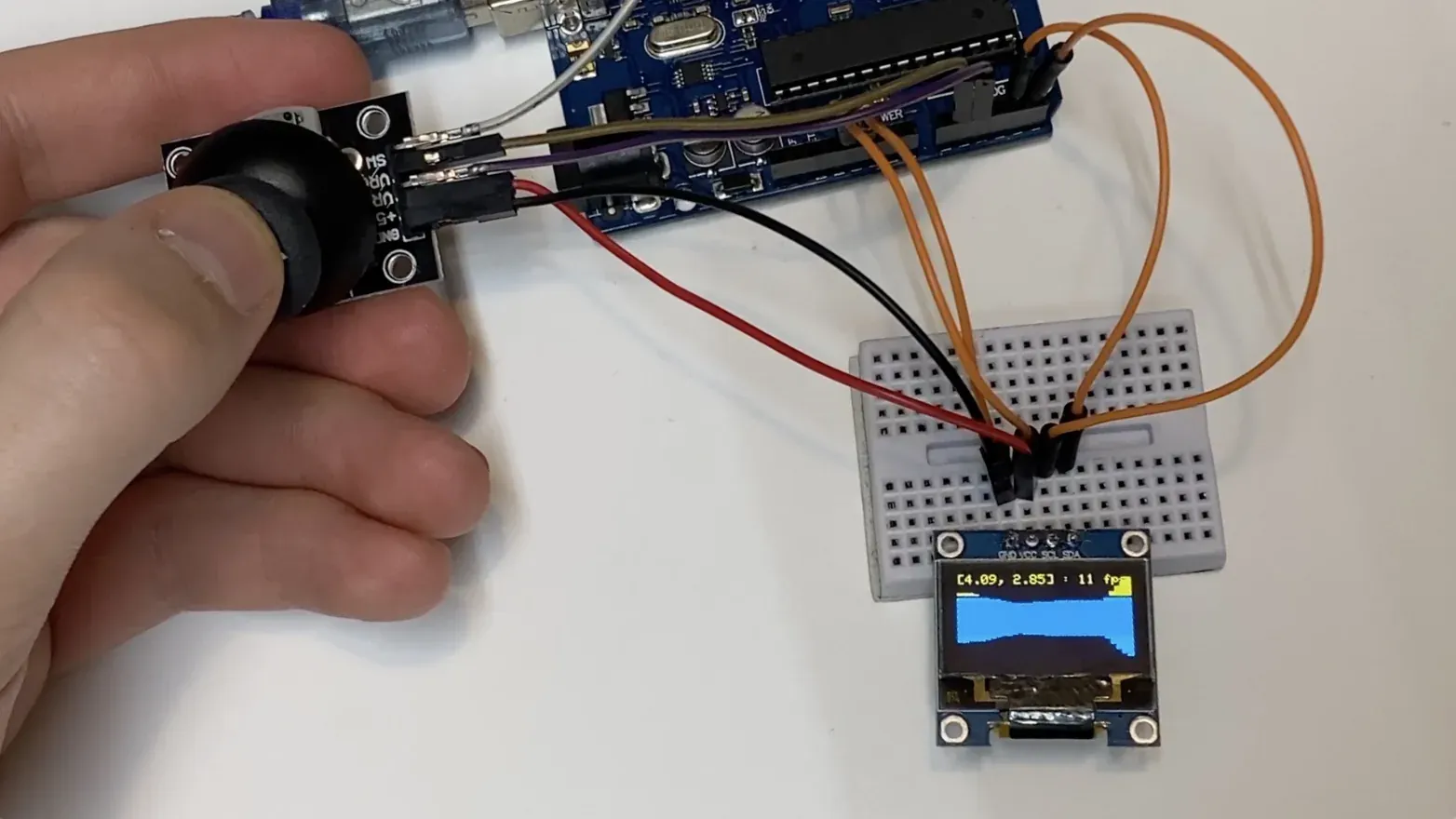
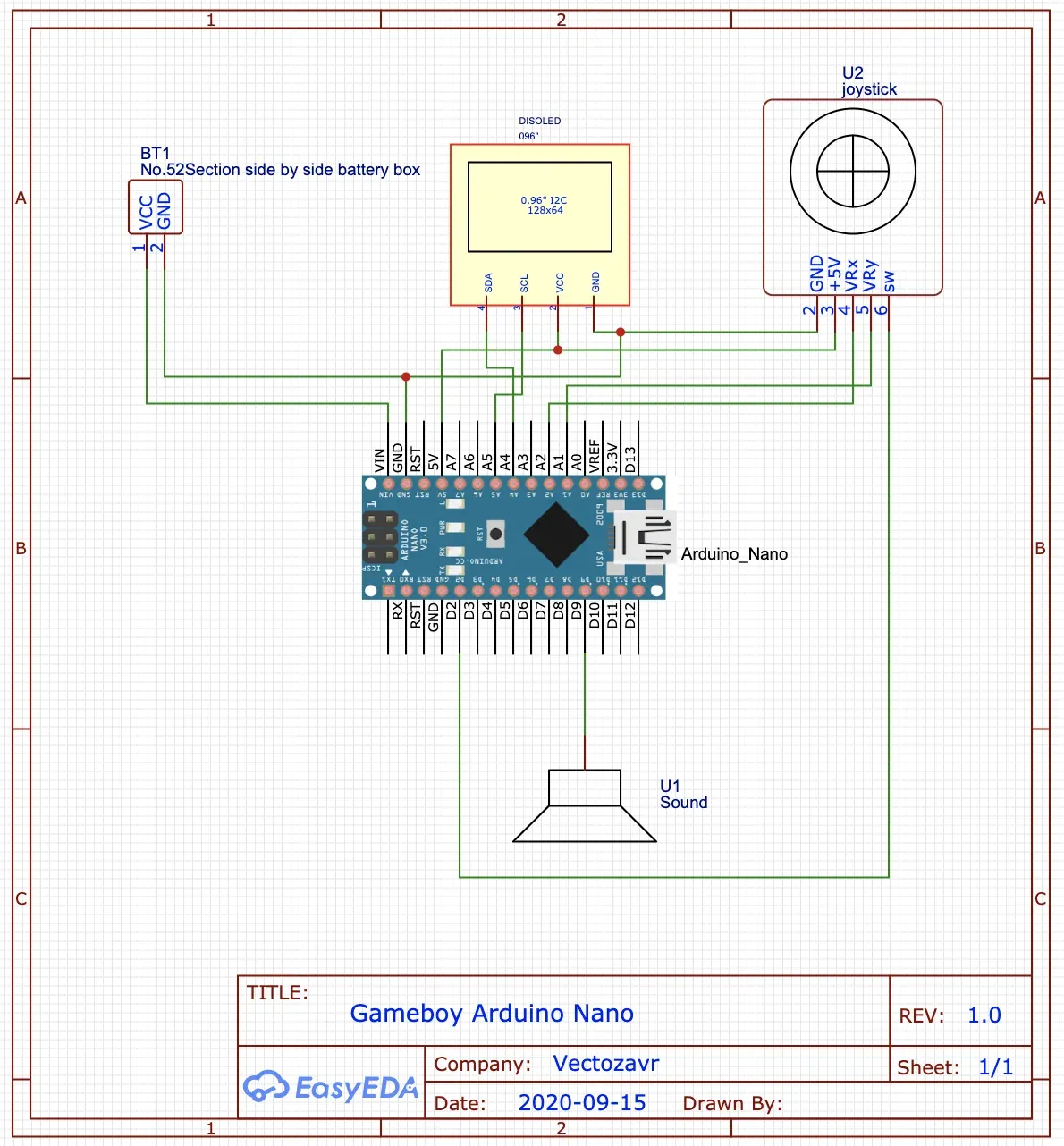
The first version was deliberately untidy. I connected an Arduino Uno, an SSD1306 OLED, and a two-axis joystick across a pair of breadboards. The display needed only power plus two I2C lines, while the joystick supplied horizontal and vertical analog values and a click. Before writing a game, I loaded the display-library example and drew a small Vectozavr startup logo. Seeing those first controlled pixels was enough to prove that the parts could become a console.
The screen was tiny, but the constraint was useful. At 128×64 pixels there was nowhere for unnecessary interface or rendering work to hide. The joystick became the entire control scheme: tilt it to move through the menu or play, press it to launch a game, and press again to return.
Three games, three different constraints
The menu eventually offered three entries. They share one display and one control, but each game asks something different of a very small microcontroller.
A ray-cast first-person maze
The first game began as a simplified port of an earlier pseudo-3D experiment. It is closer to a walkable maze than a finished shooter: the published version has walls and collision, but no enemies or firing.
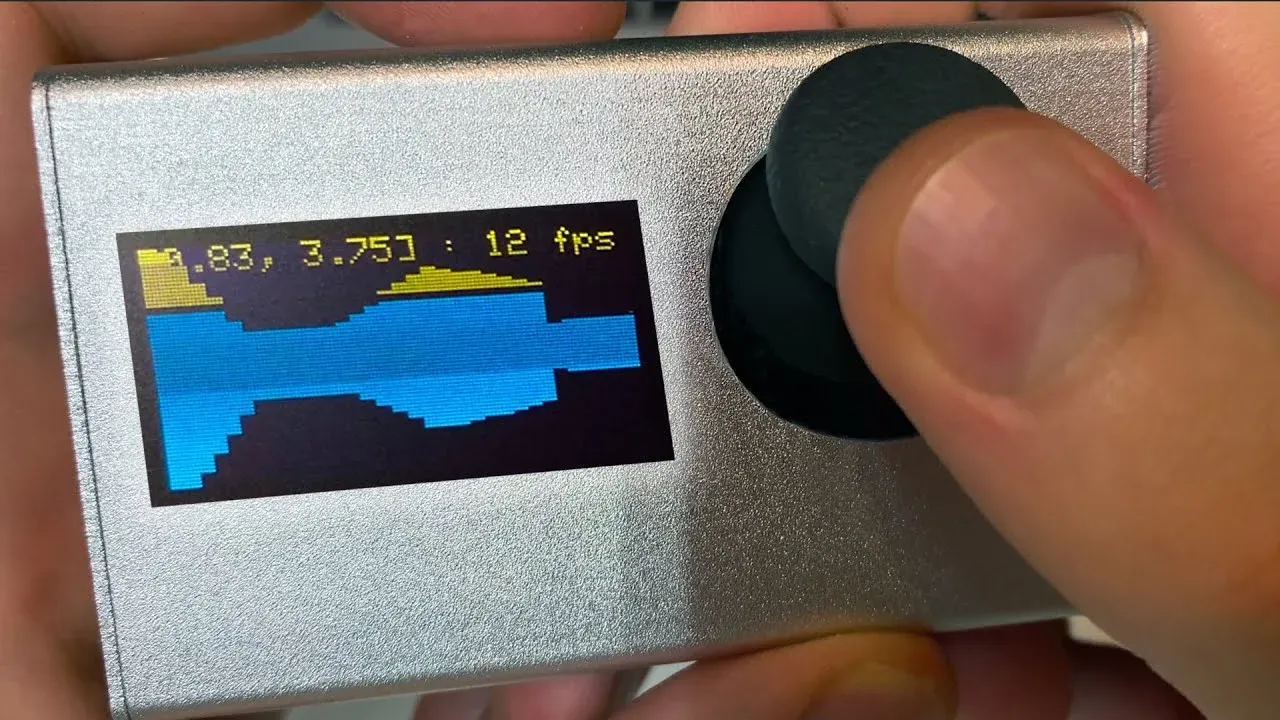
The world is an 8×8 character map. For each frame, the renderer sends 32 rays across a 90-degree field of view and turns their distances into vertical wall slices. My first implementation advanced each ray in equal increments. To save work, I changed it to start with a large step; when a ray crosses a wall, it backs up and repeatedly halves the step until the hit is precise enough. The result ran at roughly 9–12 frames per second during the build. That sounds modest, but on this display it was enough to make the little maze feel navigable.
The live position and frame rate at the top of the screen were not decorative. They made the console its own debugging tool—and the finished ray caster became the image on this page’s cover.
Snake, measured in bytes
Snake looks simpler, but it exposed the machine’s memory limit immediately. The game represents the body as an array of 2D points. On each tick the head moves, every segment takes the previous segment’s position, and eating food adds another point.
My first version stored those coordinates as floating-point values. A snake long enough to fill the field consumed too much memory and the game would not start reliably. Coordinates on a grid do not need fractions, so I replaced each pair of floats with two signed 8-bit integers. That small representation lets the current 16×6 field hold up to 96 cells. The fix is almost comically simple, but it captures the appeal of embedded programming: a data type can decide whether an entire game fits.
FlappyZavr, an endless level made from two pipes
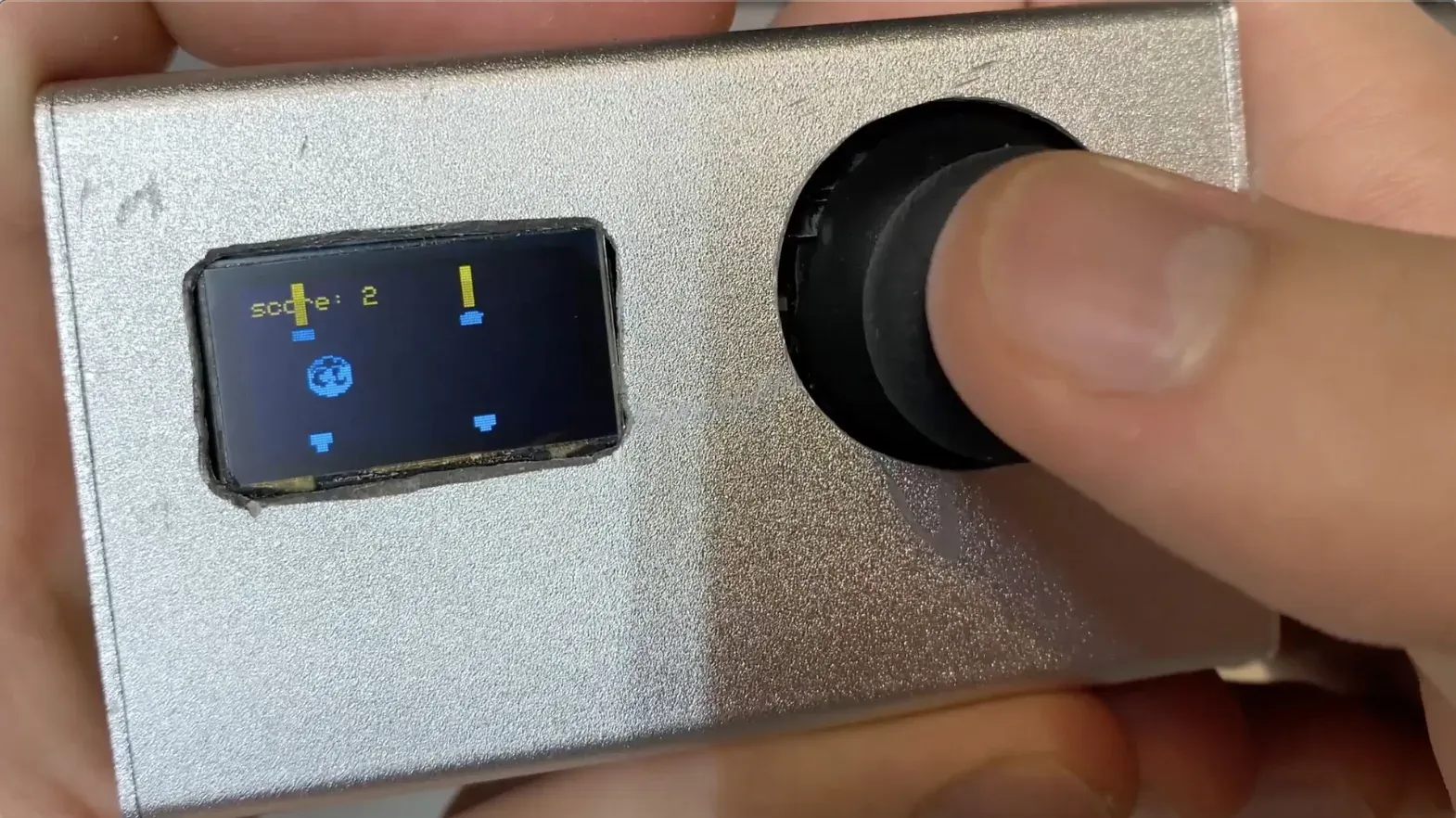
The third game applies gravity to a 16×16 sprite and gives it a fixed upward impulse whenever the joystick is tilted. Only two pipe obstacles exist in memory. When one leaves the screen, the game moves it back to the right and randomizes the gap, creating the impression of an endless course without creating an endless stream of objects.
I replaced the bird with the Vectozavr logo, which happened to make a surprisingly convincing character, and called the result FlappyZavr. It became my favorite of the three: mechanically tiny, difficult to stop playing, and a good demonstration that a severe technical limit does not have to limit the fun.
The bug that drew on memory
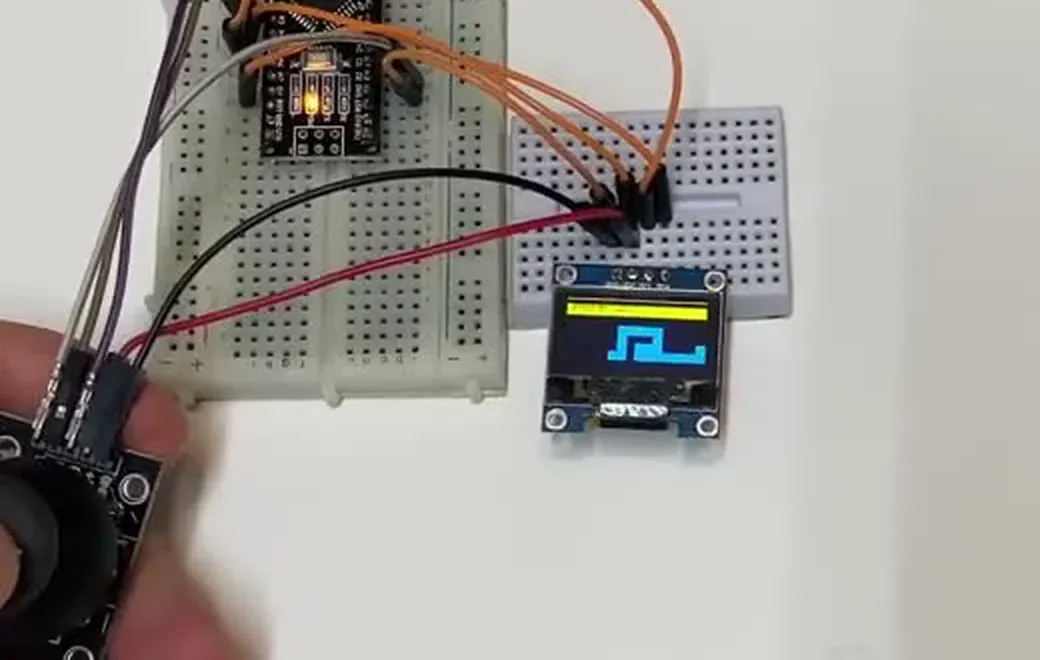
An Uno was fine for prototyping but much too large for a pocket-sized case, so I moved the same firmware to an Arduino Nano. It was about a third of the physical size, required less power, and, in my informal test, even ran the 3D scene a little faster.
Then the menu began growing strange characters. Each time I left a game and opened it again, more symbols appeared. After enough transitions they reached the edge of the display and the board restarted. The effect looked like a graphics problem, but it behaved like state or memory being mishandled.
I had been constructing a joystick object inside the game flow. Replacing those short-lived instances with one global joystick removed the observed corruption and made repeated menu transitions stable. I never proved whether the underlying cause was object lifetime, allocation pressure, or an interaction with the display library, so the honest conclusion is narrower: on this tiny system, simplifying ownership fixed the failure.
That episode changed how I wrote the next games. I watched every allocation, avoided state I did not need, and treated RAM as part of the design rather than an invisible resource.
Making the breadboard disappear
A working prototype was not yet a handheld. Jumper wires would pull loose, the Uno wasted space, and none of the modules had a reliable place to sit. I drew a compact single-sided board that joined the Nano, OLED, and joystick, with a large recess allowing the joystick module to sit lower.
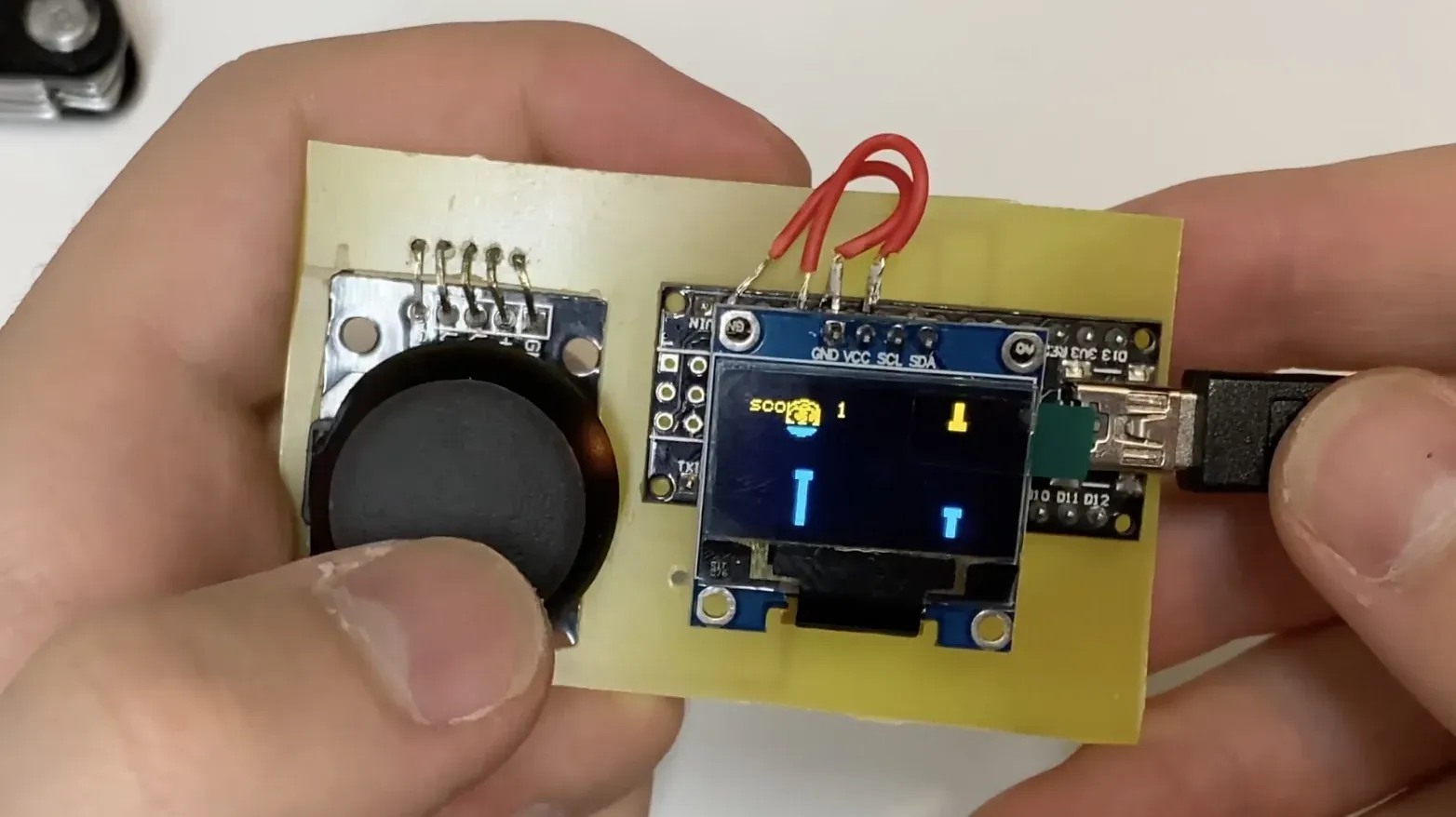
I did not want to wait a month for a manufactured PCB, so I tried the laser-and-iron toner-transfer process. The trace artwork was printed on glossy paper, transferred to copper-clad board, and used as a mask while the exposed copper was etched away. I then drilled the component holes, cut the outline and joystick opening, cleaned the edges, and soldered the modules directly to the result.
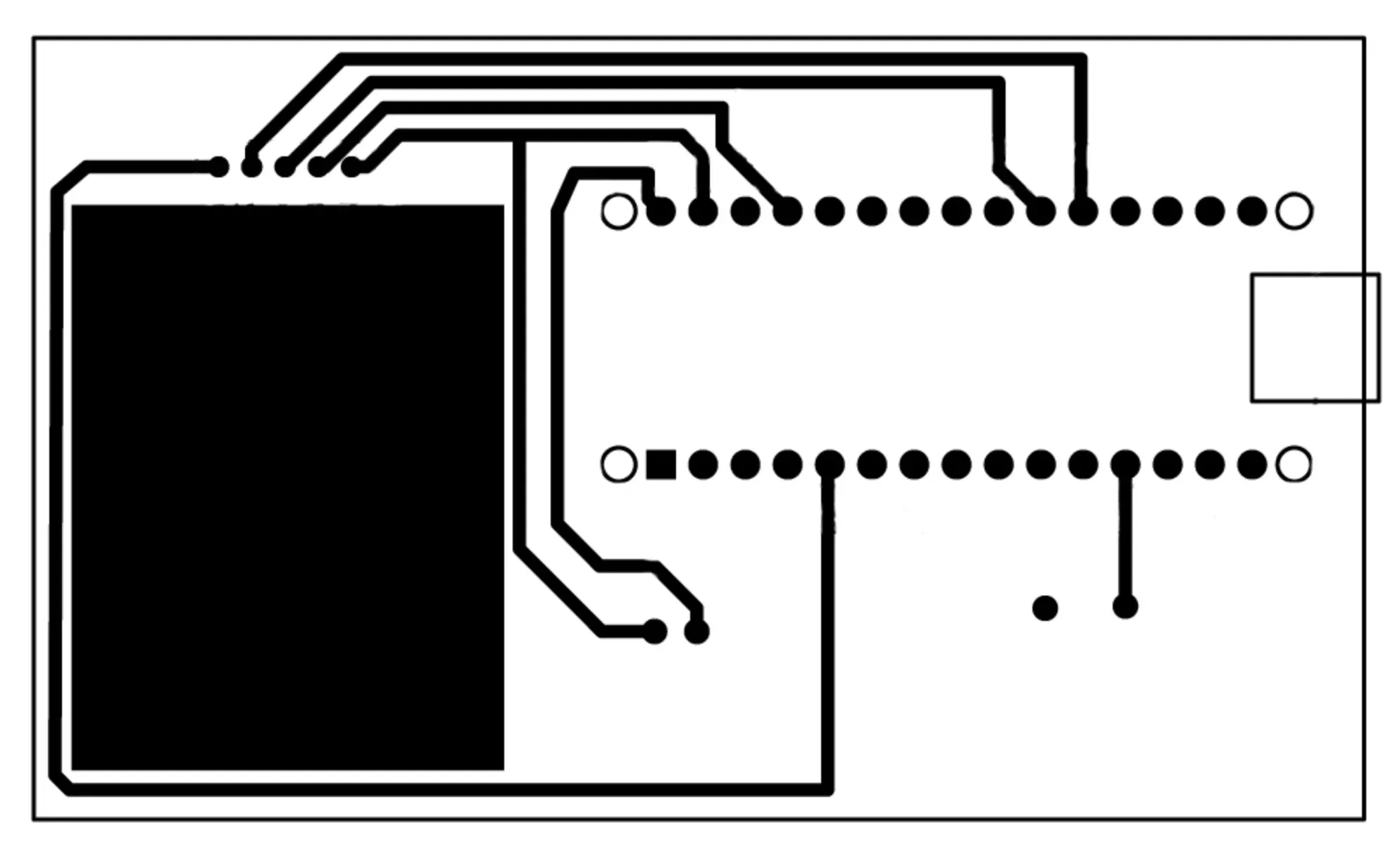
For a first home-etched board, the result was far from factory-perfect—and exactly good enough. The firmware booted, the menu responded, and all three games survived the move from jumper wires to copper traces.
The enclosure became the hardest level
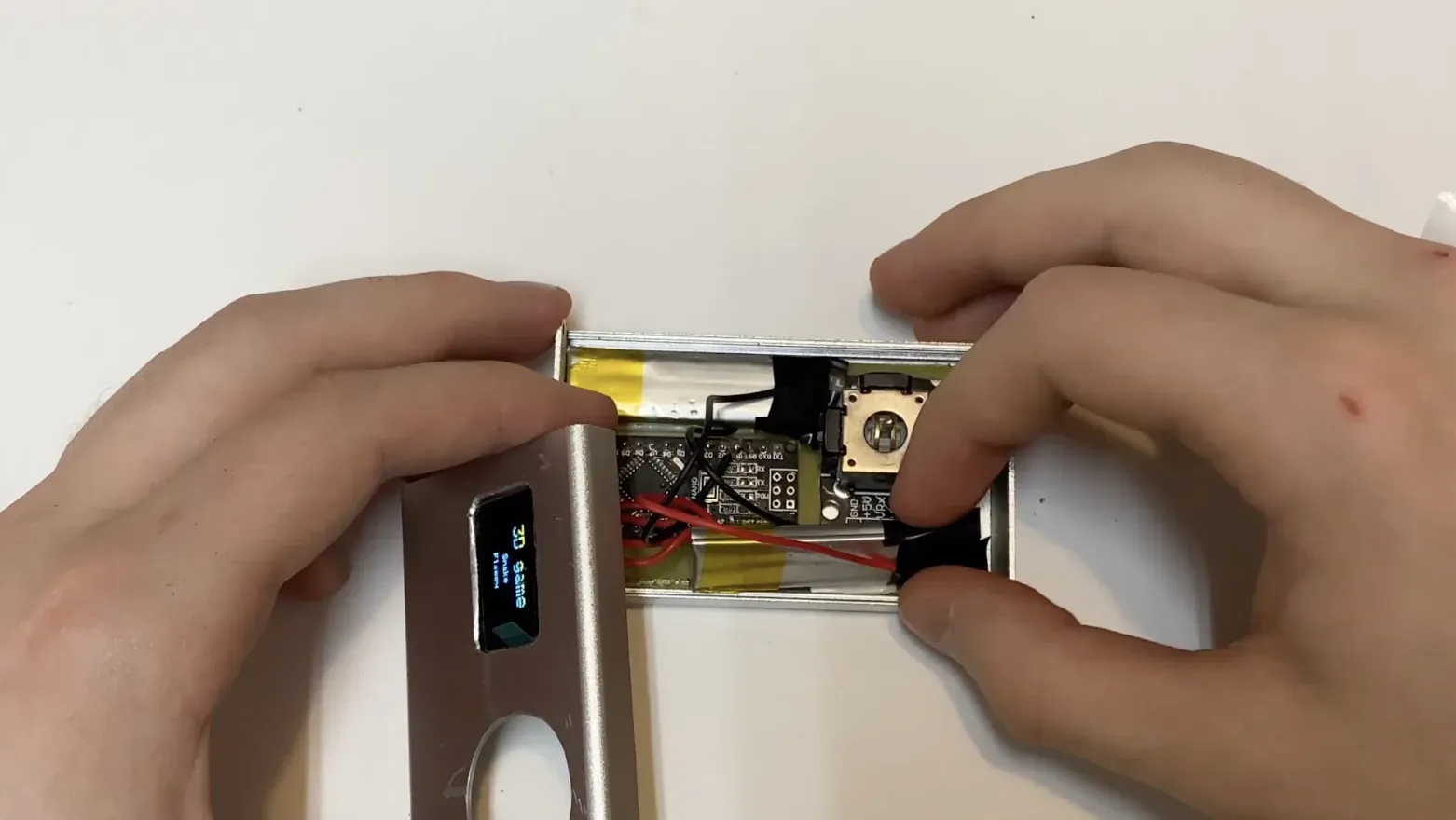
I first considered a plastic project box, but it felt bulky and fragile. A slim aluminum enclosure looked much closer to a finished object: two metal faces held together by screw-on side panels. It was also far less forgiving. Every millimeter removed from the front panel had to line up with the display, joystick, or USB port, and there was almost no unused height inside.
I cut and finished the joystick opening, made a rectangular window for the OLED, and added access to the Nano’s USB connector for firmware updates. The custom PCB slid into an internal channel in the case, which made the electronics secure once everything finally fit.
Power turned into the last packaging puzzle. The original build used two small 3.7 V lithium cells in series. Together they were too thick: the joystick struck the pack and the lid would not close. Separating the cells and placing them on opposite sides of the enclosure created just enough space. During one attempt the compressed parts briefly produced what looked like damaged pixels on my only display; after power-cycling, the screen recovered. That was a useful warning not to force the case shut just because the schematic says everything should fit.
A small machine you can understand
The finished console is light, comfortable in the hand, and ran for about two days of active play in my original estimate. More importantly, it remained open to change. Snake could gain difficulty levels; the maze could gain enemies and shooting; a better display could trade more power for more detail. Because the complete public firmware is a single 614-line sketch, every one of those ideas has an obvious place to begin.
What stayed with me was not any one game. It was the progression from a few loose modules to a self-contained object:
- Prototype the experience before the enclosure. The breadboard established the screen, controls, menu, and games before casework made every change expensive.
- Use constraints as design information. Thirty-two render slices, integer Snake coordinates, and two recycled pipes were not compromises added at the end; they were what made the games possible.
- Physical design is part of the software project. A perfect loop is not enough if the joystick cannot move or the battery prevents the lid from closing.
The console is deliberately modest. It does not need to compete with a commercial handheld to succeed. It turns a microcontroller, a tiny display, and one joystick into something personal and playable—and keeps the entire path from input to pixel small enough to trace.